
unRAID NAS Server Pro 6.10.3 学习版

7,167 views次阅读
2 条评论

提醒:本文最后更新于2025-09-19 11:56,文中所关联的信息可能已发生改变,请知悉!
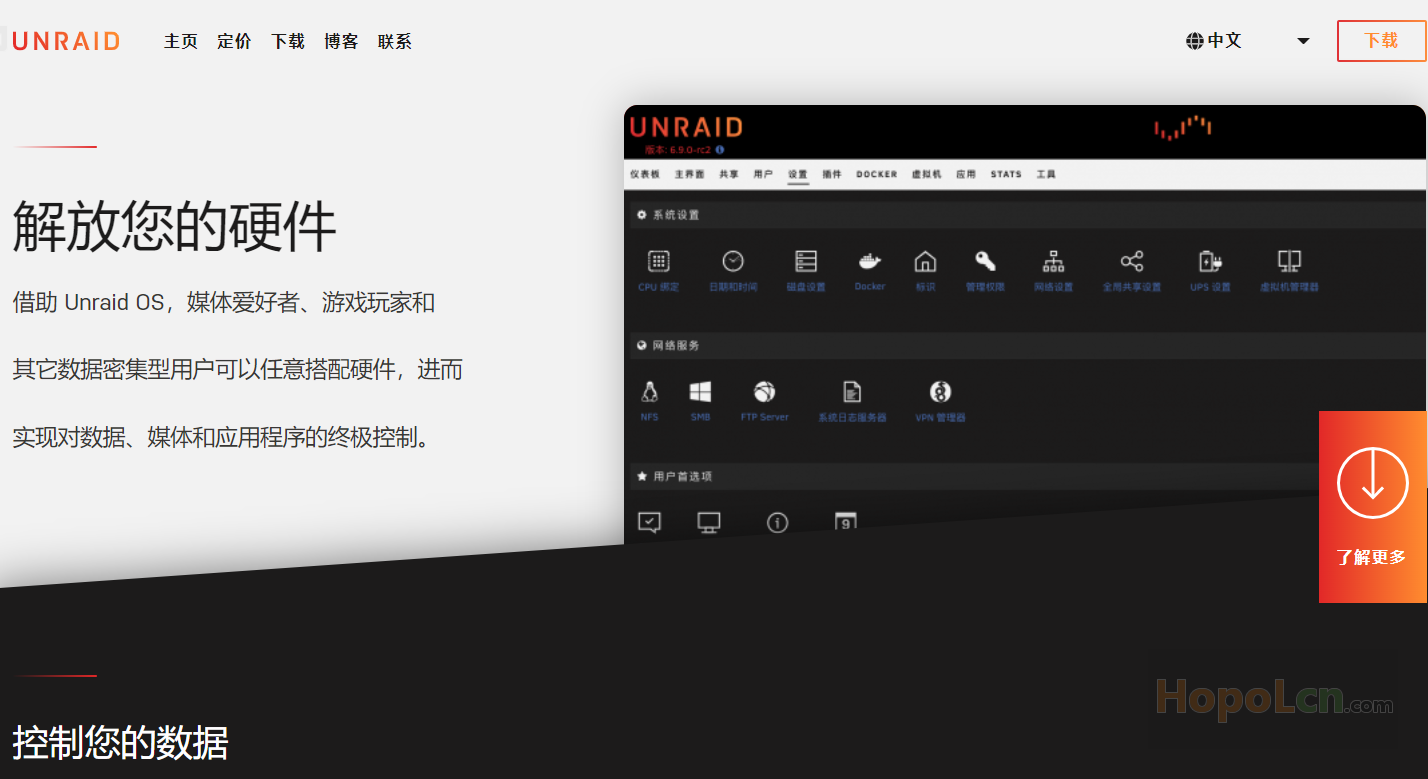
unRAID NAS Server Pro 6.10.3 学习版

特别鸣谢

PRYANIK@softoroom

下载地址:(解压密码:hopol)

unRAID Server Pro 6.10.3_fu11.7z

https://mega.nz/file/UJwVSLqA#GmsR7Li1qG9N5CfZaklBJ6Qqcycgoe_IVqY5sAqSQ6E

临时下载链接:

https://pan.hopolcn.com/s/PbsX


学习方法

自己打开 crack 目录看吧!

文件截图:

懒得截图了,我又不用unRAID!

更新日志:

## Version 6.10.3 2022-06-14


### Improvements

Fixed data corruption issue which could occur on some platforms, notably HP Microserver Gen8/9, when Intel VT-d was enabled.
This was fixed by changing the Linux kernel default IOMMU operation mode from "DMA Translation" to "Pass-through".

- Also removed 'tg3' blacklisting when Intel VT-d was enabled. This was added in abundance of caution because all early
reports of data corruption involved platforms which also (coincidentally) used 'tg3' network driver. If you created a
blank 'config/modprobe.d/tg3.conf' file you may remove it.

**Plugin authors:** A plugin file may include an <ALERT> tag which displays a markdown formatted message when a new version is available.
Use this to give instructions or warnings to users before the upgrade is done.

Brought back color-coding in logging windows.

### Bug fixes

Fix issue detecting Mellanox NIC.

Misc. webGUI bug fixes

相关

unRAID NAS Server Pro 6.10.0 学习版

unRAID NAS Server Pro 6.10.2 学习版


正文完
 0
HopoL
版权声明:本站原创文章,由 HopoL 于2022-07-07发表,共计1069字。
转载说明:除特殊说明外本站文章皆由CC-4.0协议发布,转载请注明出处。
评论(2 条评论)
firefly 评论达人 LV.1
2022-08-05 11:24:02 回复

先谢谢站长!
请问学习版和开心版什么区别呢?

 Windows  Chrome  美国华盛顿特区华盛顿特区科进
    hopol 博主
    2022-08-06 09:21:07 回复

    @firefly 相信我,名字都是乱取的~~[f=touxiao]

     Windows  Chrome

HopoL's Blog

文章搜索
最新评论
MickeyDee MickeyDee Thanks for the reply, according to Unraid Dev team, it may happen this year.
Metaldololity Metaldololity Whoa, that's really simple. You just save my time a lot. Thankyou!
HopoL HopoL Since you’ve got the backup, it’s actually pretty simple. Just restore the backup files to your new flash drive, then head over to the /config directory and edit the go file. Look for export UNRAID_GUID=xxxxxxxxxxxxxx and swap it with your new drive's GUID. That should do the trick!
Metaldololity Metaldololity Really apreciate for your fast respond, mate. I actually have the backup of the flashdrive (from regular unraid backup). The problem is, when i search on youtube tutorial about changing the failed flashdrive, the process need some sort of confirmation with an account in unraid (blacklist the old one -> whitelist the new one). Since i have a cracked unraid, i don't know how to register my new flashdrive as the correct one (and the system not asking me for the old failed flashdrive). Thanks in advance
HopoL HopoL Man, that's a tough spot to be in. Regularly backing up your /boot folder is super important for exactly this reason. If you don't have a backup and your flash drive is completely fried, your best bet is to Google some specific recovery guides or check the Unraid forums. There are ways to rebuild your config by identifying your parity and data drives, but it can be a bit of a process. Hope you can get it sorted!