
unRAID NAS Server Pro 6.10.2 学习版

1,381 views次阅读
没有评论

提醒:本文最后更新于2025-09-19 11:57,文中所关联的信息可能已发生改变,请知悉!
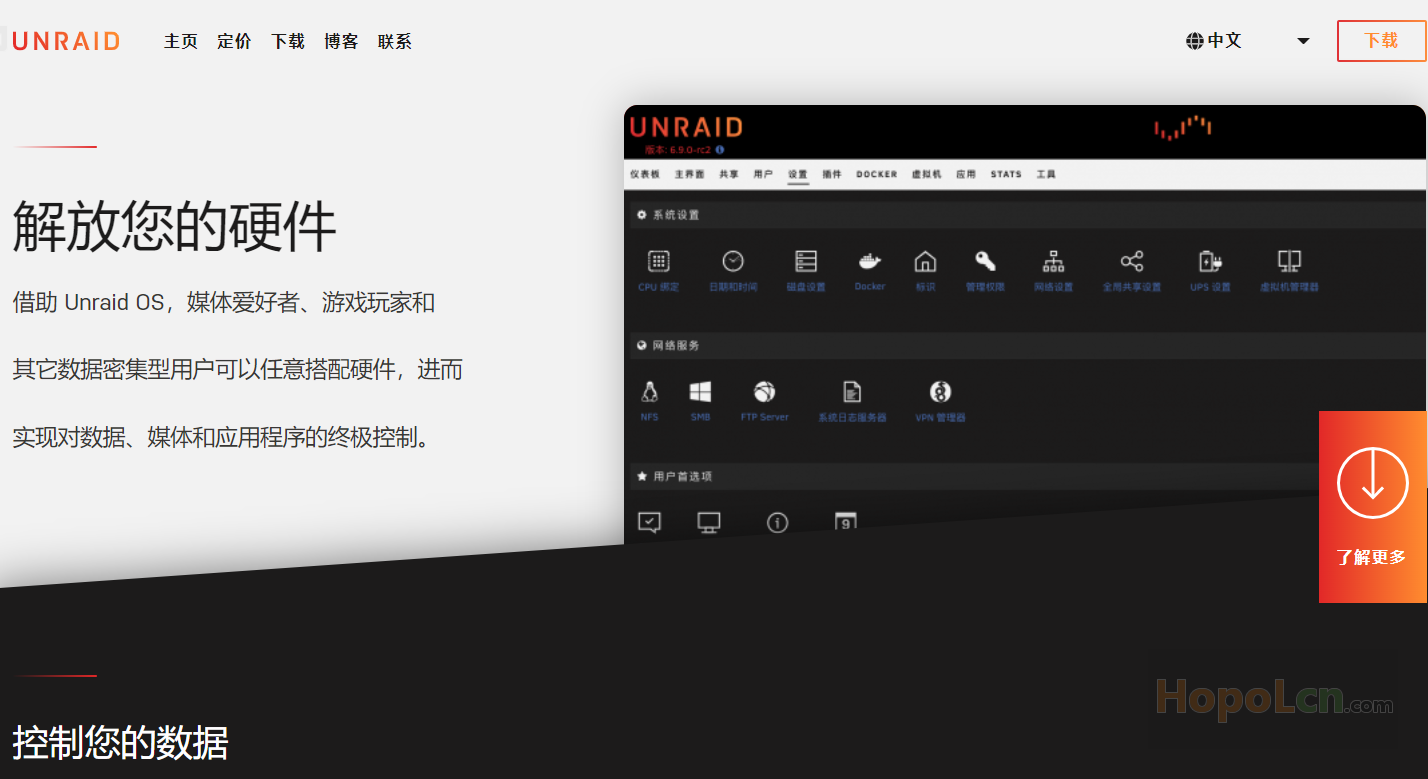
unRAID NAS Server Pro 6.10.2 学习版

特别鸣谢

PRYANIK@softoroom

下载地址:(解压密码:hopol)

unRAID Server Pro 6.10.2_fu11.7z

https://mega.nz/file/IcJWhKqQ#B41HkwKB2cNiAq6-gJxMnZIZDsg2Ic2-sXaajkFh4ns

临时下载链接:

https://pan.hopolcn.com/s/bVIG


学习方法

自己打开 crack 目录看吧!

文件截图:

懒得截图了,我又不用unRAID!


更新日志:

## Version 6.10.2 2022-05-27


### Base distro:

- firefox AppImage: version: 100.0.r20220519220738 (CVE-2022-1802 CVE-2022-1529)

### Linux kernel:

- version 5.15.43-Unraid (CVE-2022-21499)

### Management:

- nginx: avoid appending default port number to redirect URLs
- nginx: self-signed cert file: accept common name and all alternate names
- startup: fix multiple network interfaces being assigned the same MAC address
- startup: blacklist tg3 by default if Intel VT-d is enabled
- webgui: Management Access: Use SSL/TLS setting: change the word 'Auto' to 'Strict'
- webgui: Fixed: smGlue not included when selecting a controller
- webgui: Fixed: allow share names with embedded ampersand
- webgui: add LXC terminal support (for LXC Plugin)
- webgui: Docker Web UI to use Docker label for icons as fallback
- webgui: VM Manager: support libvirt networks (make libvirt networks accessible via gui)
- webgui: fix issue where 'root' login works with password from another username which includes string 'root'
- webgui: Update OS page spelling corrction: warninging -> warning
- webgui: helptext review: minor corrections

相关

unRAID NAS Server Pro 6.10.0 学习版


正文完
 0
HopoL
版权声明:本站原创文章,由 HopoL 于2022-07-07发表,共计1211字。
转载说明:除特殊说明外本站文章皆由CC-4.0协议发布,转载请注明出处。
评论(没有评论)

HopoL's Blog

文章搜索
最新评论
Metaldololity Metaldololity Whoa, that's really simple. You just save my time a lot. Thankyou!
HopoL HopoL Since you’ve got the backup, it’s actually pretty simple. Just restore the backup files to your new flash drive, then head over to the /config directory and edit the go file. Look for export UNRAID_GUID=xxxxxxxxxxxxxx and swap it with your new drive's GUID. That should do the trick!
Metaldololity Metaldololity Really apreciate for your fast respond, mate. I actually have the backup of the flashdrive (from regular unraid backup). The problem is, when i search on youtube tutorial about changing the failed flashdrive, the process need some sort of confirmation with an account in unraid (blacklist the old one -> whitelist the new one). Since i have a cracked unraid, i don't know how to register my new flashdrive as the correct one (and the system not asking me for the old failed flashdrive). Thanks in advance
HopoL HopoL Man, that's a tough spot to be in. Regularly backing up your /boot folder is super important for exactly this reason. If you don't have a backup and your flash drive is completely fried, your best bet is to Google some specific recovery guides or check the Unraid forums. There are ways to rebuild your config by identifying your parity and data drives, but it can be a bit of a process. Hope you can get it sorted!
Metaldololity Metaldololity Hi! Huge thanks for the update on 7.2.0. I have question here, my flashdrive corrupted. how do i install it on the new flashdrive without losing all my configuration?