
EditPlus v5.0.730 绿色汉化版及激活注册码@zd423

3,379 views次阅读
没有评论

提醒:本文最后更新于2025-06-19 10:40,文中所关联的信息可能已发生改变,请知悉!

[hermit autoplay="true" mode="circulation" preload="auto"]netease_songlist#:525278417[/hermit]

用习惯了一个文本编辑软件,换别的怎么用怎么不习惯。
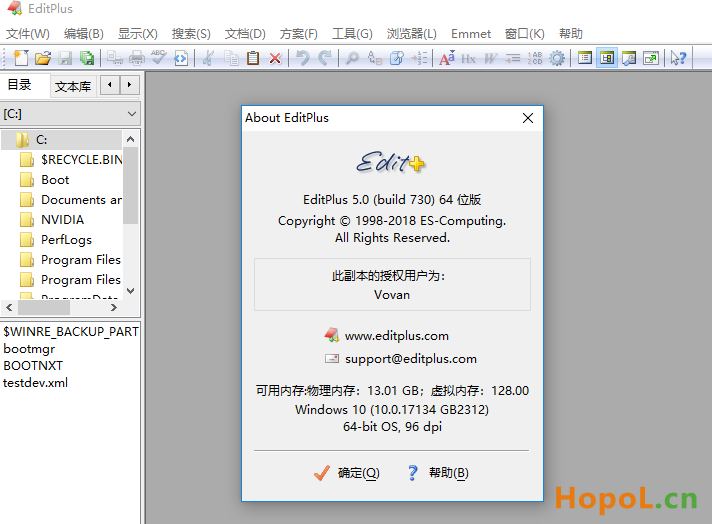
EditPlus v5.0.730 绿色汉化版及激活注册码@zd423


ES-Computing EditPlus,著名的代码文本编辑器。它是款来自韩国的小巧功能强大的可处理文本、HTML和程序语言的文字编辑器,通过设置用户工具可以将它作为C/Java/Php等语言的简单IDE调试编辑工具,它支持HTML、PHP、Java、C / C ++、CSS、ASP、Perl、JavaScript、VBScript、Python、Ruby on Rails语法突出显示,可以基于自定义语法文件对其它编程语言进行扩展。它还具有FTP/FTPS/sftp功能、十六进制查看器,HTML编辑器,cliptext,颜色标记、监视剪贴板、强大的搜索和替换、定制键盘快捷方式等功能。它内置完整的HTML/CSS1指令功能,可以用记事本编辑网页,支持直接在IE浏览器内编辑预览网页。


官方下载:

https://www.editplus.com/download.html


关于汉化

by W. Jordan’s blogの汉文博士 //汉化作者

http://www.cnblogs.com/hanzisearcher/archive/2012/09/14/editplus.html


by 烈火 //基于汉文博士的汉化全面完善补充

集成注册码,深度汉化,力求完美!”关于”对话框完美汉化,界面默认简体中文,不存在汉化某些英文字符后导致程序功能缺失问题!还包含Liangjh的Tips.txt ,新增 python语法着色模板等等。


下载地址

EditPlus v5.0 Build 730 x32/x64 绿色汉化版及激活注册码

EditPlus v3.7.0 Build 1206 x32/x64 绿色汉化版及激活注册码

全部集成添加右键菜单批处理,免安装,解压导入注册激活信息;

提示:根据汉化作者汉文博士称 3.7.0 版本打开大文件性能最佳!
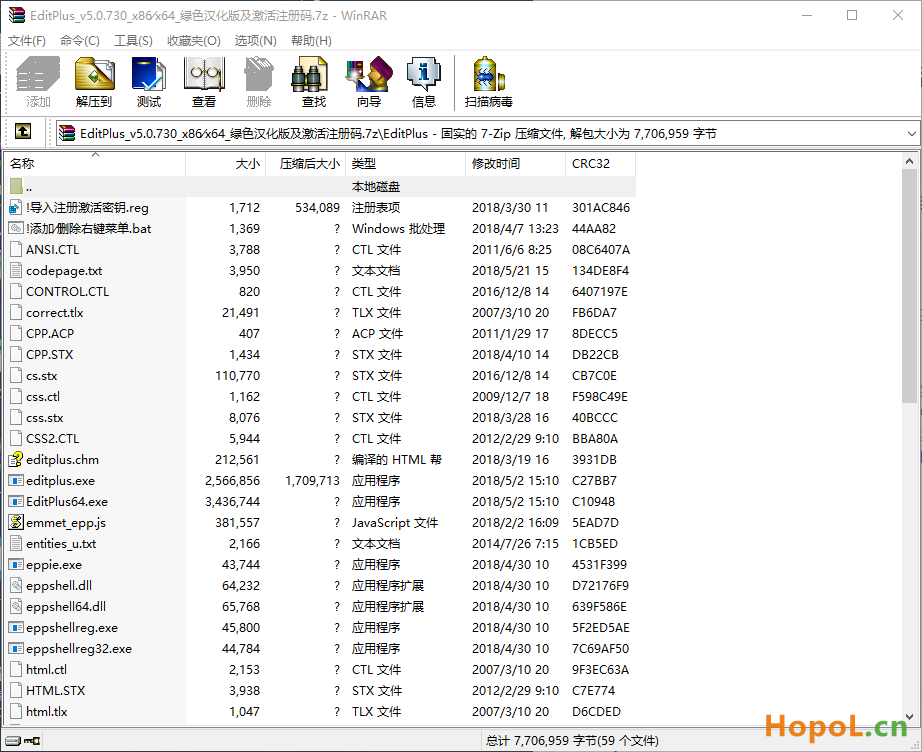
EditPlus v5.0.730 绿色汉化版及激活注册码@zd423

https://www.lanzous.com/b262731/ 密码:f9p2


EditPlus v5.0 build 651 官方版 //韩/英语|安装版|30天试用

https://www.editplus.com/ftp/epp500_0651.exe

https://www.editplus.com/ftp/epp500_0651_64bit.exe


EditPlus 5.0 在线激活注册信息:用户名:Vovan

注册码:3AG46-JJ48E-CEACC-8E6EW-ECUAW

正文完
 0
HopoL
版权声明:本站原创文章,由 HopoL 于2018-05-28发表,共计1101字。
转载说明:除特殊说明外本站文章皆由CC-4.0协议发布,转载请注明出处。
评论(没有评论)

HopoL's Blog

文章搜索
最新评论
Metaldololity Metaldololity Whoa, that's really simple. You just save my time a lot. Thankyou!
HopoL HopoL Since you’ve got the backup, it’s actually pretty simple. Just restore the backup files to your new flash drive, then head over to the /config directory and edit the go file. Look for export UNRAID_GUID=xxxxxxxxxxxxxx and swap it with your new drive's GUID. That should do the trick!
Metaldololity Metaldololity Really apreciate for your fast respond, mate. I actually have the backup of the flashdrive (from regular unraid backup). The problem is, when i search on youtube tutorial about changing the failed flashdrive, the process need some sort of confirmation with an account in unraid (blacklist the old one -> whitelist the new one). Since i have a cracked unraid, i don't know how to register my new flashdrive as the correct one (and the system not asking me for the old failed flashdrive). Thanks in advance
HopoL HopoL Man, that's a tough spot to be in. Regularly backing up your /boot folder is super important for exactly this reason. If you don't have a backup and your flash drive is completely fried, your best bet is to Google some specific recovery guides or check the Unraid forums. There are ways to rebuild your config by identifying your parity and data drives, but it can be a bit of a process. Hope you can get it sorted!
Metaldololity Metaldololity Hi! Huge thanks for the update on 7.2.0. I have question here, my flashdrive corrupted. how do i install it on the new flashdrive without losing all my configuration?